
How to Search Cases by Name
Start at Indiana MyCase. Pick the Name tab and type the last name. Add a first name, middle name, or date of birth only if you know a fact that narrows the field. Businesses go in the Business Name field. When statewide matches overwhelm you, use the Court control to limit the query to Fayette County. The category model offers Criminal & Citation, Civil, Family, and Probate choices.
- Open MyCase and choose the Name tab.
- Enter the required last name or use Business Name for an organization.
- Add a first or middle name, status, category, or file-date range to narrow a common result set.
- Choose Fayette County, Fayette Circuit Court, or Fayette Superior Court when the correct court is known.
- Compare the case number, court, file date, case type, status, and caption before opening a result.
- Open the matching case summary and read the newest CCS events, settings, and available documents.
| Field Label | Type | Required | Notes |
|---|---|---|---|
| Last Name | Text | Yes for person name | Sounds-like can broaden spelling variants. |
| First / Middle Name | Text | No | Useful for narrowing a common surname. |
| Business Name | Text | Alternate route | Use for an organization caption. |
| Court / Category | Dropdown | No | Limit to Fayette or a relevant case group. |
| File Date From / To | Date | No | One-sided date filters are allowed. |
Fayette County MyCase Search Tabs
MyCase splits its search into Case, Name, and Attorney tabs. There is no single free-form box. For the Case tab, enter a Case Number, Citation Number, or Cross Reference Number. The Name tab works with person or business fields. On the Attorney tab, an attorney number or attorney name will do, though the official tips ask for a last name plus at least a first or middle name on that route. The official MyCase search tips lay out every field, court filter, status choice, date rule, wildcard option, and the result ceiling.
Picking the right tab matters. It keeps a citation number from being read as a party name, and it keeps an attorney query separate from the people actually named in a Fayette County case.
How to Search by Case Number
Fayette Odyssey case numbers open with county code 21. The next segment names the court. C01 points to Fayette Circuit Court. D01 points to Fayette Superior Court. After that comes a filing-date segment, a case-type code, and a sequence. Safe masked examples are 21C01-YYMM-F5-###### for a felony-level Circuit pattern. A Superior civil-collection pattern looks like 21D01-YYMM-CC-######.
Enter the whole number when you can. MyCase says hyphens and leading zeroes are generally optional. So if an exact entry fails, try again without them. A transferred case number may change. Check the current court and case header. Then scan the chronology for a transfer, consolidation, or linked record rather than assuming the first number found is permanent.
Fayette County Name Wildcard Searches
In MyCase, a trailing asterisk acts as a starts-with wildcard. It is not a suffix wildcard. Use it when you know how a name begins. Then narrow the results with Fayette County, a case category, status, or a file-date range. The sounds-like box catches spelling variants, though it can widen the result set. A broad query can hit the 1,000-result limit. Narrow it instead of running it again.
Before opening a record, compare the court and the caption. Similar spellings alone never prove two results involve the same person or the same case.
Fayette County Case Number Prefixes
Prefixes steer a docket search to the right court. They add context before you open anything. Fayette Circuit Court, code 21C01, handles felony, juvenile, probate, and general civil records. Fayette Superior Court, code 21D01, covers misdemeanor, traffic, and ordinance cases. Small-claims, eviction, traffic-related felony, and general civil records sit there too. A subject word alone will not settle it, because both courts carry civil work. The official Odyssey court list confirms both Fayette courts and their October 14, 2014 Odyssey start date.
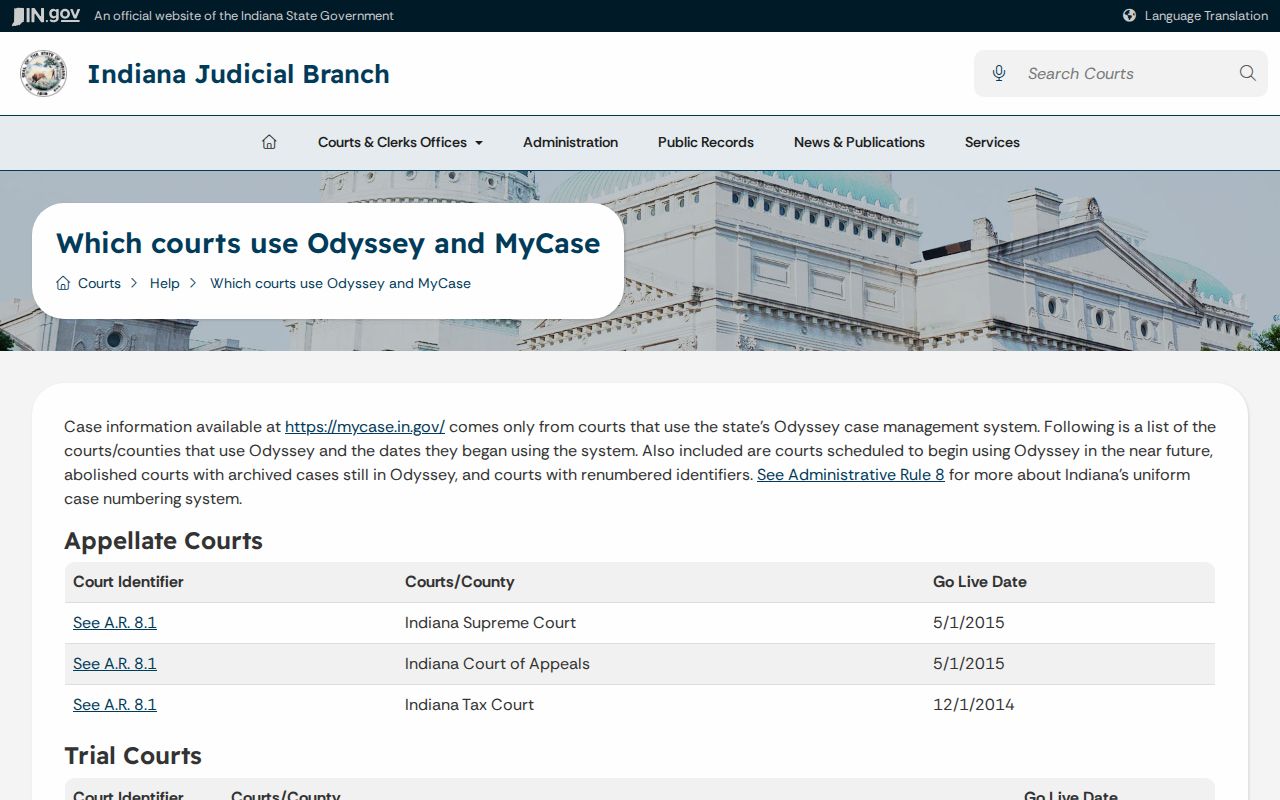
That start date only describes Odyssey participation. It does not promise that every older event or paper document appears online in the court docket.
What a Case Search Shows
A result row carries enough data to test a likely match before you open it. The case detail then adds layers. The public view can hold a header, party and attorney connections, charges where applicable, a chronological event list, hearing blocks, selected document links, access flags, and limited financial or disposition information. An event description and its document are separate things. An order may be listed even when the order image is not linked.
| Case Number | The Fayette Odyssey identifier, including the court prefix and case-type segment. |
|---|---|
| Style / Parties | The caption and role connections available in the public summary. |
| Case Type | The criminal, civil, family, probate, citation, or related classification. |
| Filed Date | The date shown for filing or entry into the court system. |
| Status | The current open, closed, or other status and its status date when populated. |
| CCS Events | Dated filings, appearances, orders, hearings, and disposition events. |
| Settings | Session date, time, court, judicial officer, result, and cancellation text when shown. |
Read the newest events first. Then work backward. That habit separates a current setting from an older cancelled one, and a current status from an earlier phase of the court docket.
Fayette County Case Status Filters
Advanced Search Options offers All, Open, and Closed status choices. These filters describe the status recorded in the system. They do not say whether a hearing is current or a document can be viewed. Use Open when you are tracking an active matter. Closed suits a disposed file. All works when the status is a mystery. A one-sided file-date range is allowed, which helps when you only know an approximate filing period. Whatever you choose, open the case summary too. The status date and the newest CCS events say more than the result-row label alone.
Fayette County MyCase Coverage Limits
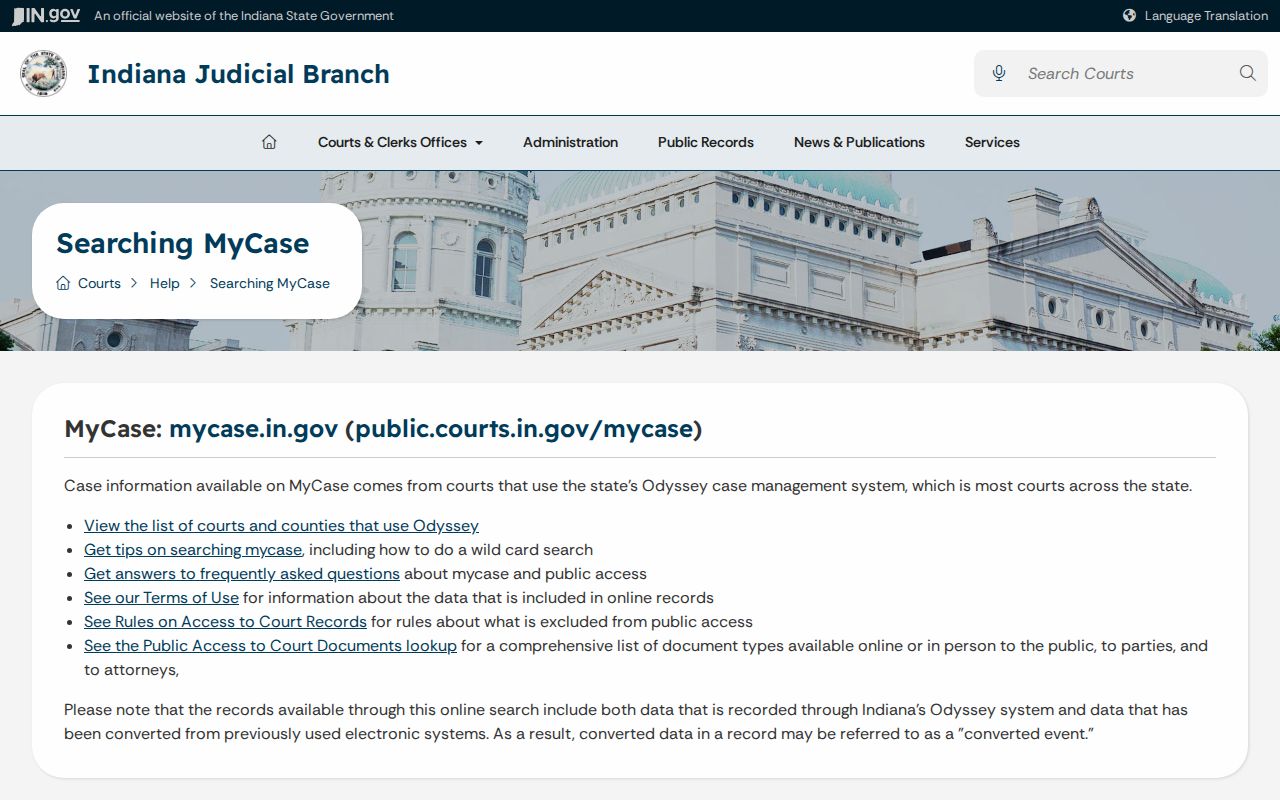
MyCase may include events converted from an older system. It does not promise every older case, every filing, or every document. Public document access runs narrower than access to the case summary. After repeated searches the portal can impose a CAPTCHA. Broad searches are capped at 1,000 results. Financial information may lag. No Fayette refresh interval is published. The official MyCase help page explains converted records, document access, privacy, payment, and data-quality limits.
An empty search result is not proof that a case is absent from the Fayette County docket. The record may predate online coverage, sit behind a restriction, carry a different spelling, or have moved to another court after a filter mismatch.
County vs Statewide Case Search
There is no separate Fayette County case-search portal. Indiana MyCase serves as both the statewide public search and the county's online layer, so choosing Fayette is just a filter inside that one system. For the official record, the local court and the Fayette County Clerk remain the fallback. MyCase itself stays a public information service rather than the record of the court.
| Indiana MyCase | Fayette court or clerk |
|---|---|
| Searches participating Odyssey courts statewide | Addresses the file kept by the Fayette court |
| Free public search without ordinary registration | Handles older, missing, or copy-specific questions |
| Shows public case summaries and selected links | Supplies official records and certification when available |
| Best first step for a known public case | Best fallback when online coverage is incomplete |
Indiana's court directory can confirm which local office holds a given file. The state court and clerk directory lists the official contacts for each court and clerk.
Pair the directory with the case header. That matters most when a transfer has shifted the court or the cause number on the docket.
Fayette County Case Document Gaps
A CCS event can show that a filing or order was entered even when no document link appears on the public page. Check the public document matrix for that case type. Then contact the Fayette County Clerk about the specific item, giving the court, case number, event date, document description, and the record product you need. A missing link does not mean the document never existed.
The docket entry and the filed document are distinct records. Request the precise document rather than an undefined copy of everything.
Fayette County Public Search Access
Ordinary public MyCase search is free. It needs no registration. Party access codes and attorney Courts Portal accounts are separate enhanced routes for eligible users. Neither turns the public search into the official record. Neither works around a restriction. The official MyCase terms state the free-search rule and the nonofficial-record limit.
Viewing a linked public document through MyCase may also be free. A county fee for a copy or a certified record is a different product. Confirm that charge with the clerk.
Fayette County Search Within District 18
Fayette sits in Indiana Judicial District 18. The district is not a search filter for a local case. A Fayette case lookup should run through Fayette County, Fayette Circuit Court, Fayette Superior Court, or the exact cause number. Appellate work belongs to a separate state docket. This holds even when the local CCS shows a notice of appeal or a clerk-record event. The Indiana Judicial Branch district list supplies the official district context.
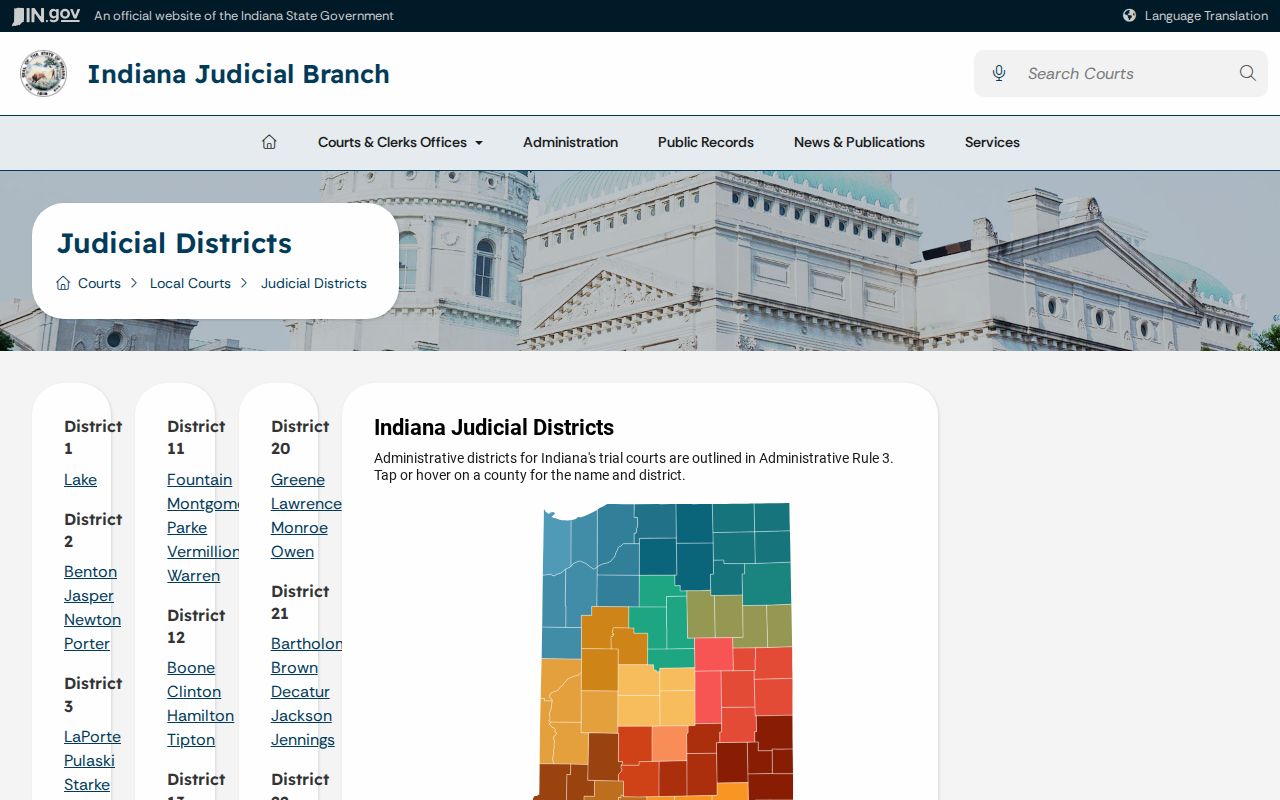
The district explains court administration. The case number and court code are what actually identify the docket you need.
Restricted Cases and Access Rules
Invisible online does not always mean sealed. A document may fall outside MyCase's public document matrix. It may come from an older system, or be available only from the clerk. Other records are excluded or restricted under Indiana court-access rules. Juvenile, adoption, paternity, mental-health, confidential family, and certain protection-order information may not display like an ordinary public case. Expungement can also change criminal-case visibility.
The Indiana Rules on Access to Court Records control public access. Rule 5 identifies excluded court records. Rule 6 permits added exclusion by court order. Rule 9 provides a process for requesting access to an excluded record. Do not ask the clerk to bypass a restriction. Identify the record and its legal basis, ask which court procedure controls, and follow the judge's order.
When a public record goes missing, broaden or correct the search first. Try the exact number with and without hyphens. Change the court filter, use a citation or cross-reference number, or adjust the file-date range. You can also test a name spelling with the starts-with wildcard. Then call the owning court or unified Fayette County Clerk with the exact case number, court, date range, and record sought. A hearing-date question can also be checked through the Fayette County court dates process.